
ExamStudio Simulator
Application to take tests
Exams' conducting & passing based on tests
The exams' simulator will help you not only test your knowledge but also prepare yourself for the upcoming exams.
Supreme Exam Preparation Solution
Cross-platform exam test simulator
Library of Files

Once you download an exam file, ExamStudio Simulator stores it in its local storage, allowing you to quickly access the files even when you are offline - up in the air, far in the sea or high in the mountains.
The exams are grouped by vendor to help you easily find the required tests. No more wasting time on searching and troubleshooting.
See the details about the exam file - creation date, version, list of sections, etc. Make sure that you use the latest version of the exam.
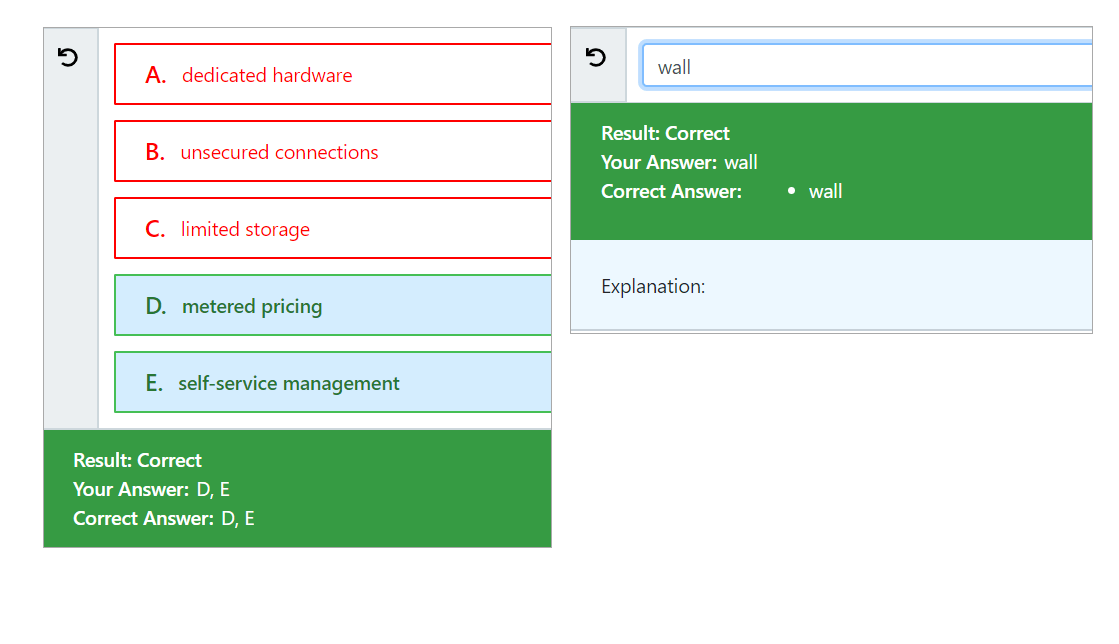
Multiple Question Types
ExamStudio Simulator supports all common question types:
- Single choice
- Multiple choice
- Fill-in-blanks
- Hot point
- Hot area
- Select and Place
Comprehensive Navigation

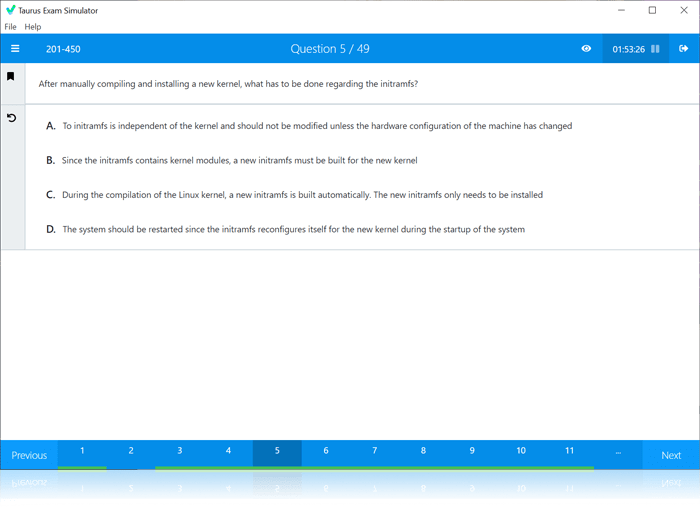
Friendly navigation tools help you find your way through the test - notice marked questions, review unanswered questions, jump to the required section or question.

Flexible Configuration
Confugure your exam session to emulate your real test environment:
- Randomize questions - choose to go through questions one after another or jump between them randomly to train your concentration and develop confidence.
- Show answers during testing to help you memorize the correct ones.
- Hide hints to conduct a real test session.
- Specify question count and range - define how many questions to take during a session, and from which range to select them.
- Set test duration - give yourself as much time as you want or limit yourself by the restrictions of the real exam.
Your Score

Find out how much you have scored:
- Passing score
- Your score
- Overall success rate
- Questions and your answers